All news
Introducing the OBDX Pro Manager
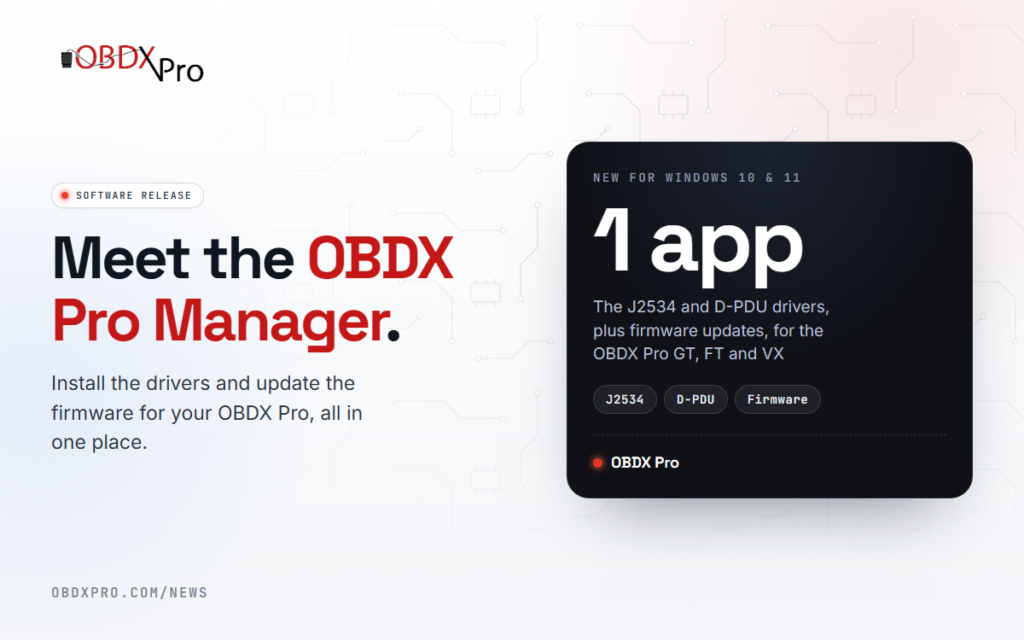
The OBDX Pro Manager is our new Windows app for your OBDX Pro. It installs the J2534 and D-PDU drivers and updates your scantool’s firmware, so these are no longer separate downloads on our website.
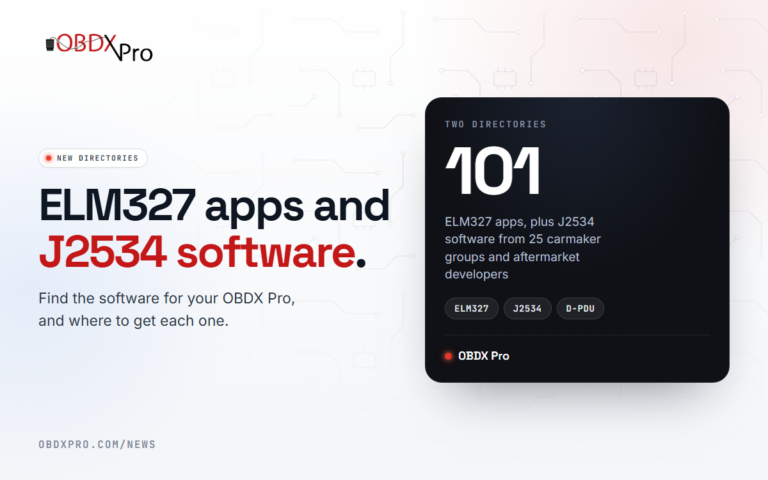
- J2534 driver. One driver for the OBDX Pro GT, FT and VX, listed as “OBDX Pro” in your J2534 software. It replaces the separate GT, FT and VX drivers.
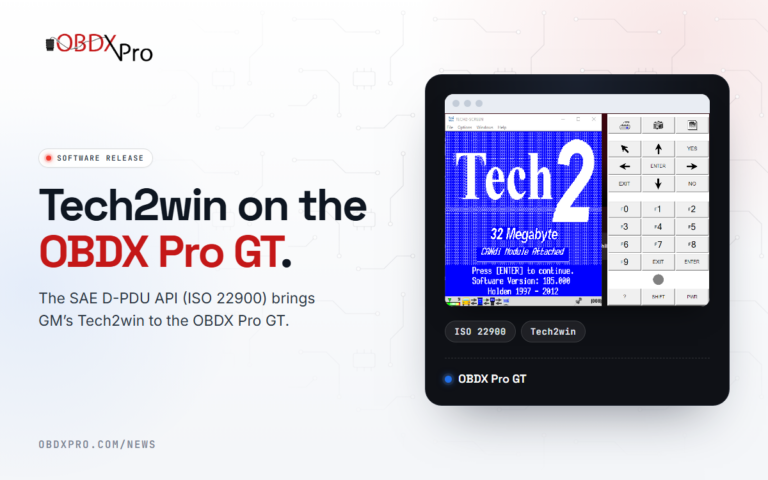
- D-PDU driver. For GM’s Tech2win on the OBDX Pro GT. Tech2win support is still in beta.
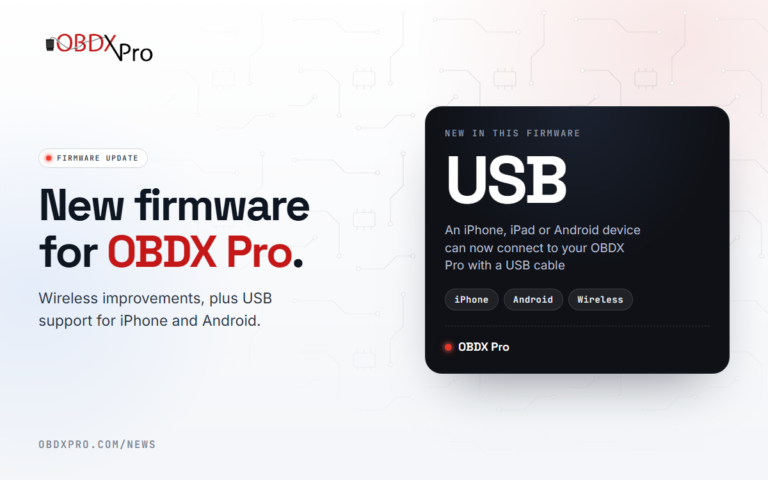
- Firmware updates. Update your OBDX Pro GT, FT or VX over USB.
- Help when you need it. Turn on driver logs, and send them to our support team from the app.
- News and updates. OBDX Pro news on the home screen, and the Manager lets you know when a new version of itself is ready.
The OBDX Pro Manager is currently for Windows PCs, running Windows 10 or 11. Sign in with the same OBDX Pro account you use on our website, create one in the app, or continue as a guest. Windows 10 and 11 also set up OBDX Pro tools automatically, so no USB driver is needed.
Using Windows 8 or older? Contact us about J2534 or D-PDU.
If you still have a question, send us a message.