Update
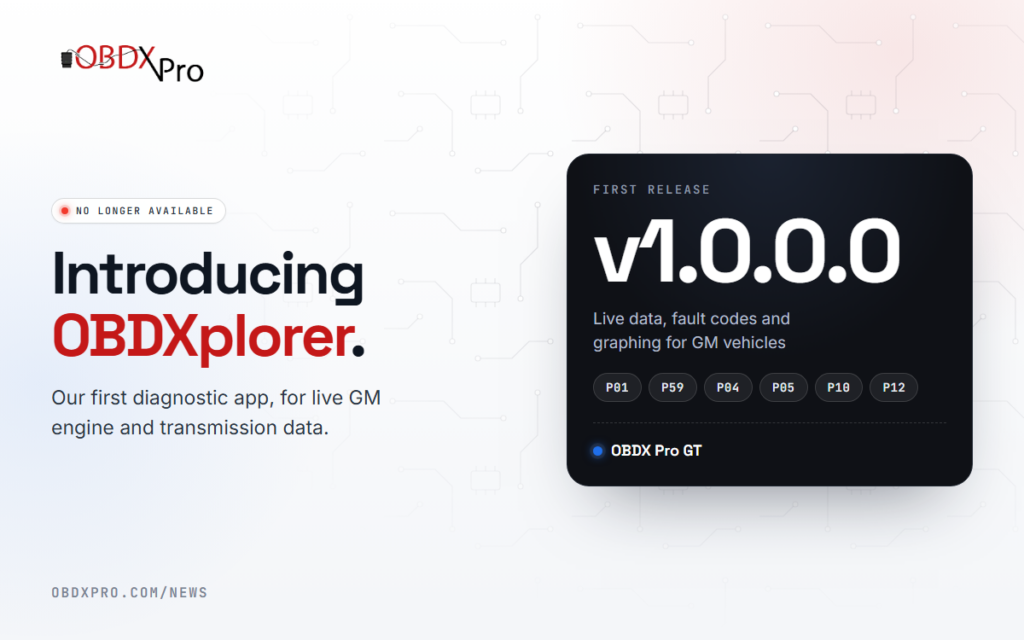
OBDXplorer First Release v1.0.0.0
Jun
Update: OBDXplorer is no longer available. We have stopped offering OBDXplorer so we can focus on supporting developers and third-party software. OBDX Pro tools work with popular third-party apps such as Torque, DashCommand and ScanXL, and with J2534 dealership and tuning software. Developers can find our documentation and templates in the Developers Corner.
We are very excited to announce our first diagnostic application, OBDXplorer. It has been designed for monitoring live engine and transmission information, including fault code analysis, on General Motors vehicles.
OBDXplorer uses GM-specific diagnostic routines for professional diagnostic capabilities and functionality. It connects to and detects vehicles seamlessly, and automatically identifies all the supported parameters and functions of the connected vehicle.
Highlights:
- A modern dash display and advanced graphing for the best possible data monitoring experience
- Histograms and live data replays planned as future additions
- Works with the OBDX Pro VT and OBDX Pro GT scantools
- Supports all GM vehicles that use the VPW protocol (P01, P59, P04, P05, P10 and P12 ECUs)
Our next release will add support for the CAN protocol (E38, E67, E39, E55, E92, E98, E40 and others), available when using our latest OBDX Pro GT scantool. After the GM CAN update, we will be looking at requests for other manufacturers.
OBDXplorer is free for all OBDX Pro scantool owners, along with free updates for its entire lifetime.
If you still have a question, send us a message.
