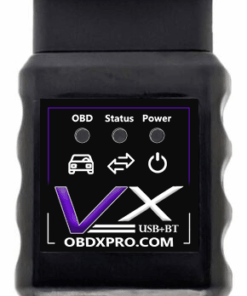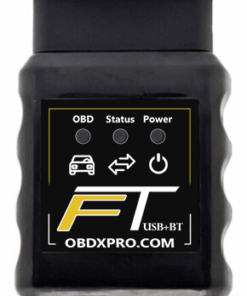

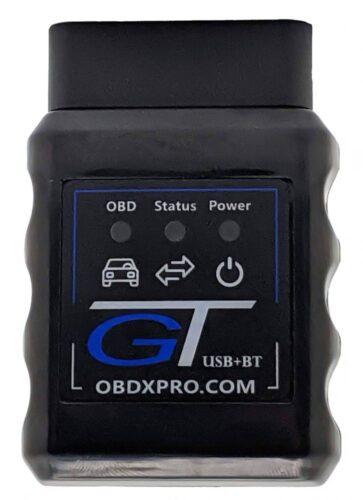
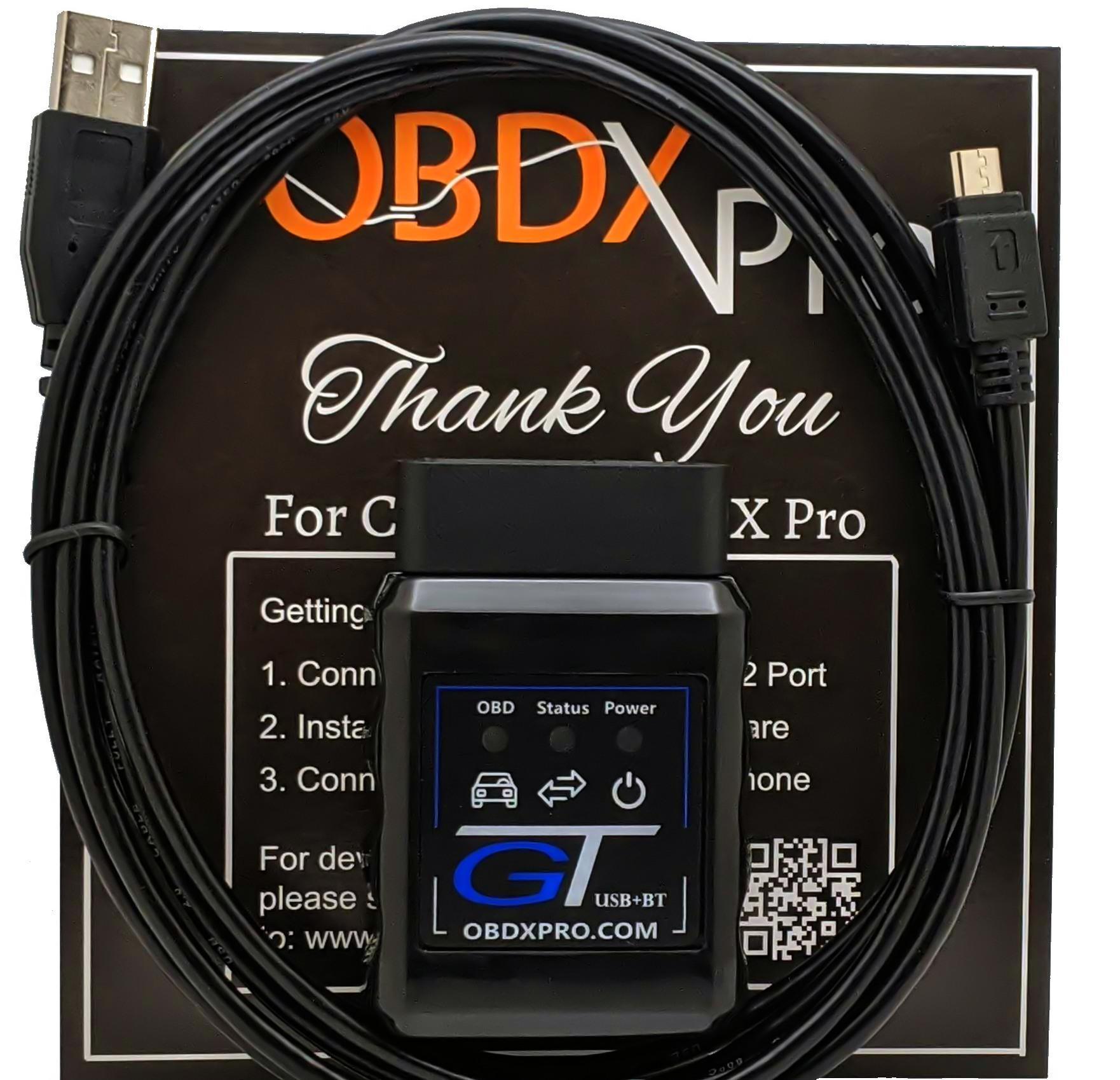
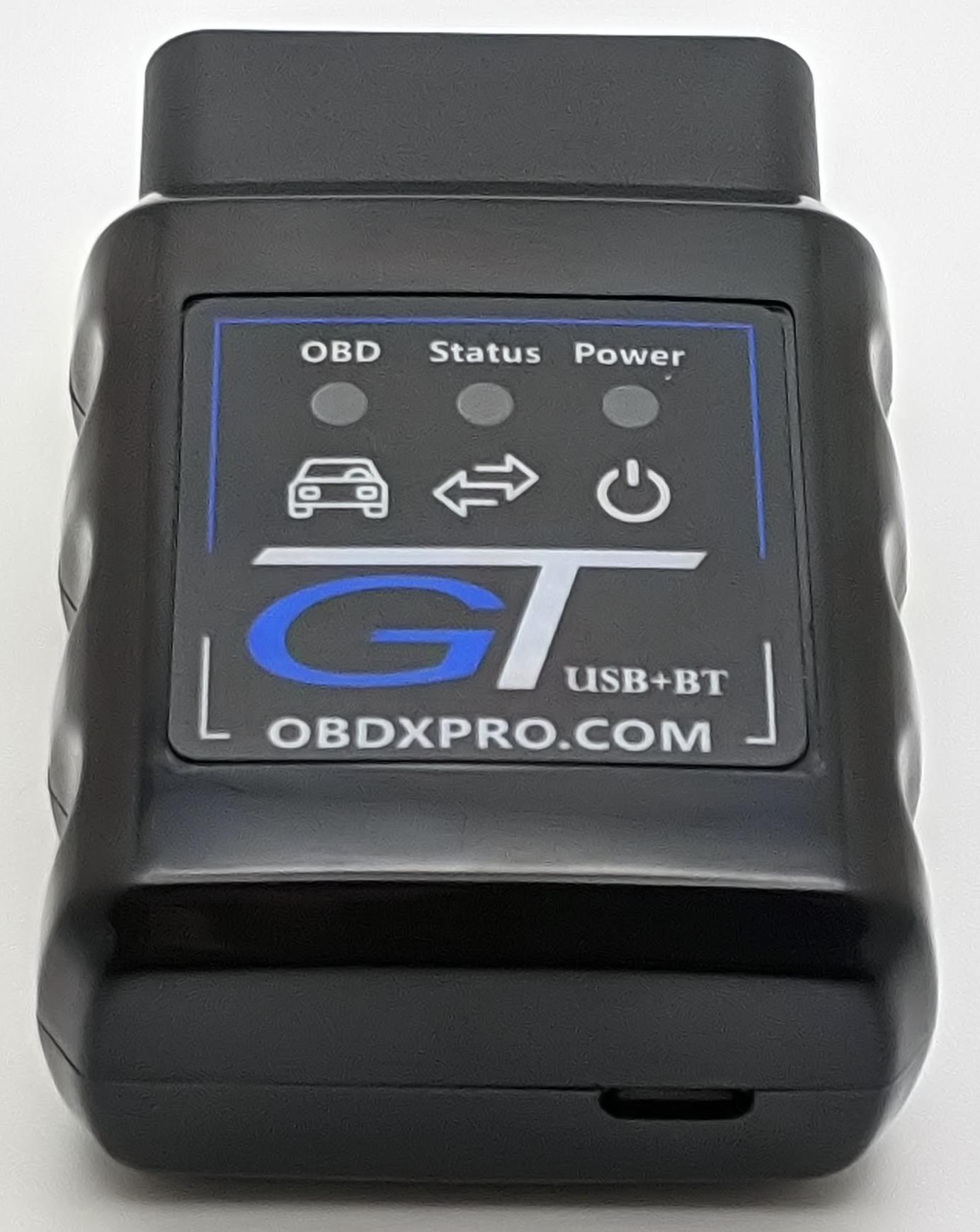
OBDX Pro GT – OBD2 Diagnostics and Tuning
$140.00
The OBDX Pro GT is designed to turn your laptop or smartphone (iPhone, iPad or Android) into a powerful diagnostic interface and, when used with compatible third-party apps, is capable of monitoring live vehicle data, reading and clearing fault codes, and may even be used to reprogram various types of vehicle modules depending on the software being used.
The OBDX Pro GT supports OBD2 protocols including Dual-Wire High-Speed CAN Bus, J1850-VPW, GMLAN and Holden ALDL.
The OBDX Pro GT is the next generation in the OBDX Pro tool lineup and allows you to turn your laptop or smartphone (iPhone, iPad or Android) into a powerful diagnostic interface that, when used with compatible third-party software, can provide various capabilities such as reading fault codes, viewing live data and accessing software-supported module programming functions.
Supported OBD2 Protocols:
- Dual-Wire High-Speed CAN Bus
Used in most GM vehicles from 2006 onward. This OBDII protocol provides high-speed communication with the engine, transmission and numerous other control modules throughout the vehicle. - GMLAN Single-Wire CAN Bus
Found in most GM vehicles from 2006 onward. Typically used for infotainment, HVAC, instrument clusters, parking assist and other body-related modules. - J1850-VPW
Commonly found in GM vehicles built between 1996 and 2006. Unlike generic scan tools, the OBDX Pro GT supports 4× high-speed mode, allowing for faster and more reliable communication during programming operations on vehicles using the J1850-VPW protocol. - ALDL
Supports the Holden ALDL protocol through Terminal 9 of the OBDII connector.
The OBDX Pro GT provides flexible connectivity options designed to work across a wide range of platforms:
- Classic Bluetooth – compatible with Android and most Windows computers that support Bluetooth SPP/serial profiles
- BLE (Bluetooth Low Energy) – supported on Windows, Android and iOS devices with BLE capability
- Wi-Fi – supported on Android, iOS and Windows devices equipped with Wi-Fi hardware
- USB – supported on Windows PCs and on Android devices with USB OTG/host capability
With legacy ELM327 command support, the OBDX Pro GT works with popular diagnostic apps for smartphones and Windows PCs, including Torque, DashCommand, ScanXL and TrackAddict. In addition to the ELM327 functionality, the OBDX Pro GT also supports our developer-friendly DVI command set, which is used by advanced applications such as PCM Hammer and LS Droid Windows.
The OBDX Pro GT also supports J2534 applications such as GM Techline SPS, as well as DPDU programs like Tech2Win. You can find our DPDU and J2534 installers on the Downloads page.
All OBDX Pro scan tools include free firmware updates and a 1 year warranty against manufacturing defects.
*NOTE:
Tech2win support is still in Beta status, some vehicles and modules have issues entering into their tech2win menus.
OBDX Pro GT does not support CAN FD which is required on some 2024 and newer vehicles to perform programming and security actions.
Tool Comparison – OBDII Protocol Support
| Protocol |
OBDX Pro GT
|
OBDX Pro VX
|
OBDX Pro FT |
|---|---|---|---|
| SAE J1850 PWM (41.6 kbaud) | ✗ | ✗ | ✗ |
| SAE J1850 VPW (10.4 kbaud) | ✓ | ✓ | ✗ |
| ISO 9141-2 (5 baud init) | ✗ | ✗ | ✗ |
| KWP2000 | ✗ | ✗ | ✗ |
| ISO 15765-4 CAN (11 bit, 500 kbaud) | ✓ | ✓ | ✓ |
| ISO 15765-4 CAN (29 bit, 500 kbaud) | ✓ | ✓ | ✓ |
| ISO 15765-4 CAN (11 bit, 250 kbaud) | ✓ | ✓ | ✓ |
| ISO 15765-4 CAN (29 bit, 250 kbaud) | ✓ | ✓ | ✓ |
| GMLAN (Single Wire CAN) | ✓ | ✗ | ✗ |
| Medium Speed CAN (Ford) | ✗ | ✗ | ✓ |
| FEP Power (Ford ECU Programming) | ✗ | ✗ | ✓ |
| ALDL (Holden/GM Diagnostics) | ✓ | ✗ | ✗ |
| J2534 Support | ✓ | ✓ | ✓ |
| DPDU (Tech2win) | ✓ | ✗ | ✗ |
Important Compatibility Notice – Please Read Before Purchasing
The OBDX Pro GT is a professional-grade OBDII scan tool and does not include any diagnostic, programming or tuning software.
Before purchasing, you must ensure that:
- Your chosen third-party software supports your specific vehicle, ECU and model year.
- The software supports OBDX Pro hardware and/or J2534 where required.
- You understand that software developers—not OBDX Pro—determine vehicle/ECU compatibility.
OBDX Pro cannot provide support for:
- third-party software setup, installation, configuration or usage;
- software that does not support your vehicle or ECU;
- attempts to use the tool with unsupported apps or unsupported OBDII protocols.
It is your responsibility to verify that this tool is compatible with your vehicle, that your chosen software supports this tool, and that the software also supports your specific vehicle and ECU.
| Weight | 0.4375 lbs |
|---|---|
| Dimensions | 2 × 2 × 2 in |
| Warranty | 1 year warranty |
| Connection Option | USB+BT+Wifi |
| Shipping Warehouse: | Ship From United States, Ship From Australia |
Related products